Add a member
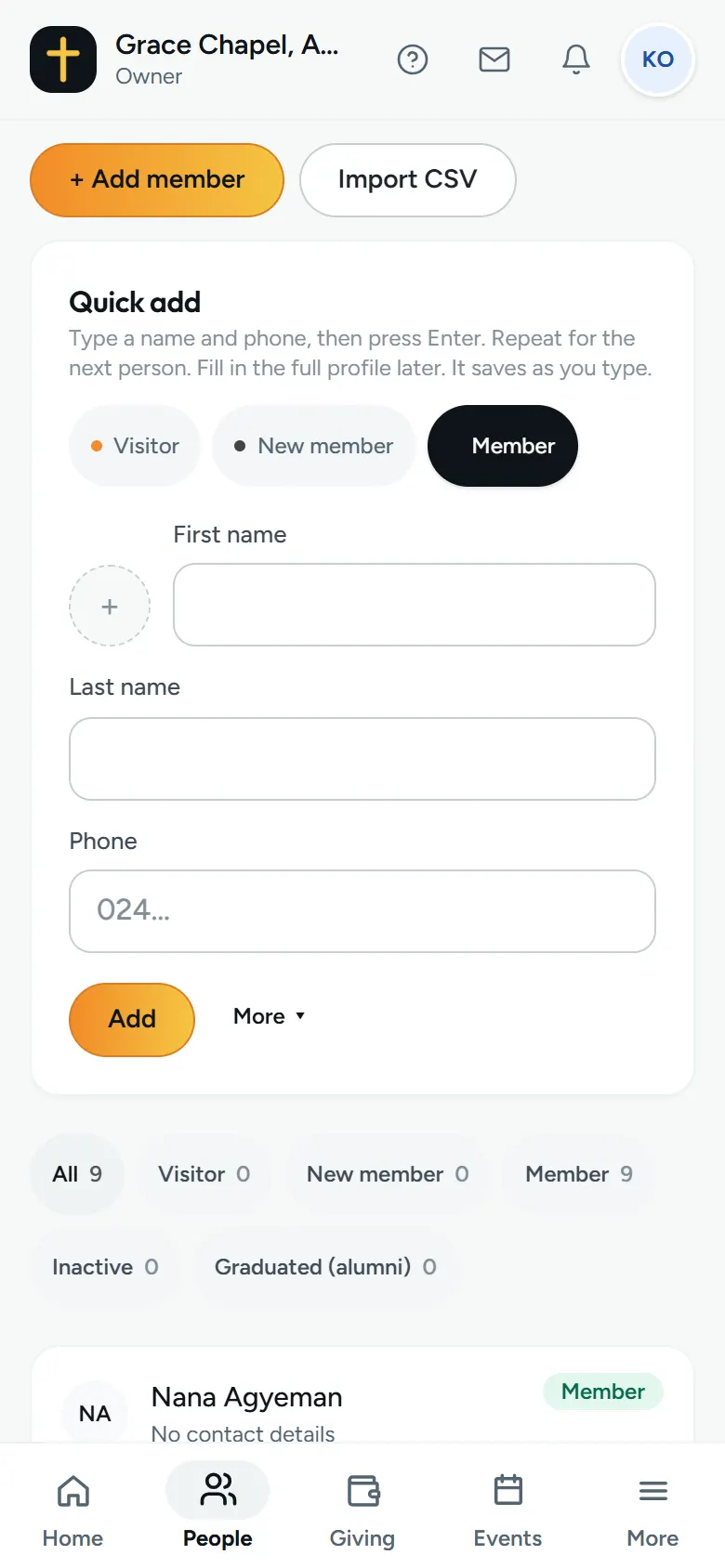
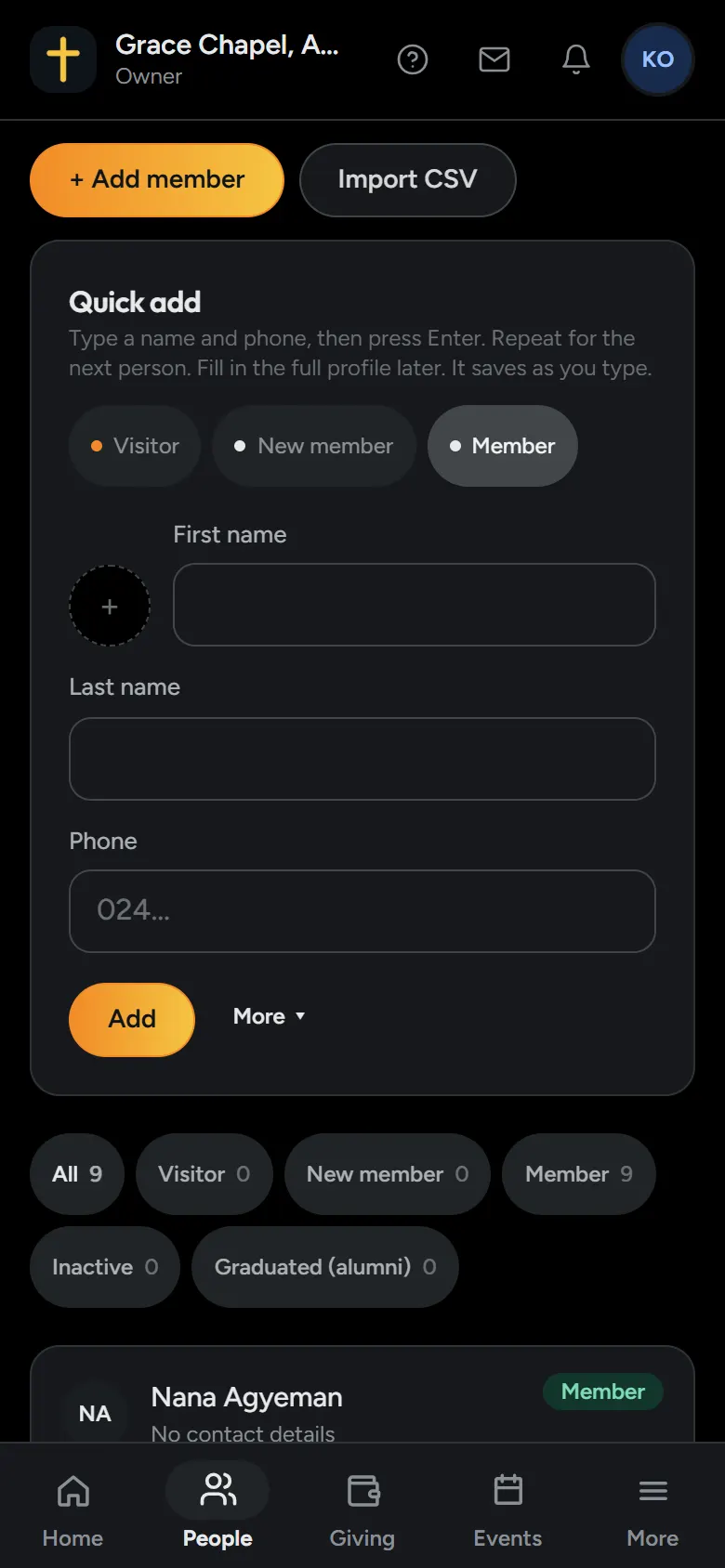
- Open People.
- Choose Add member.
- Type their first and last name. A phone number or an email lets you invite them to the app later.
- Save. They’re on your list straight away.
Members are unlimited and free on Zera, at any size.
Import a sheet
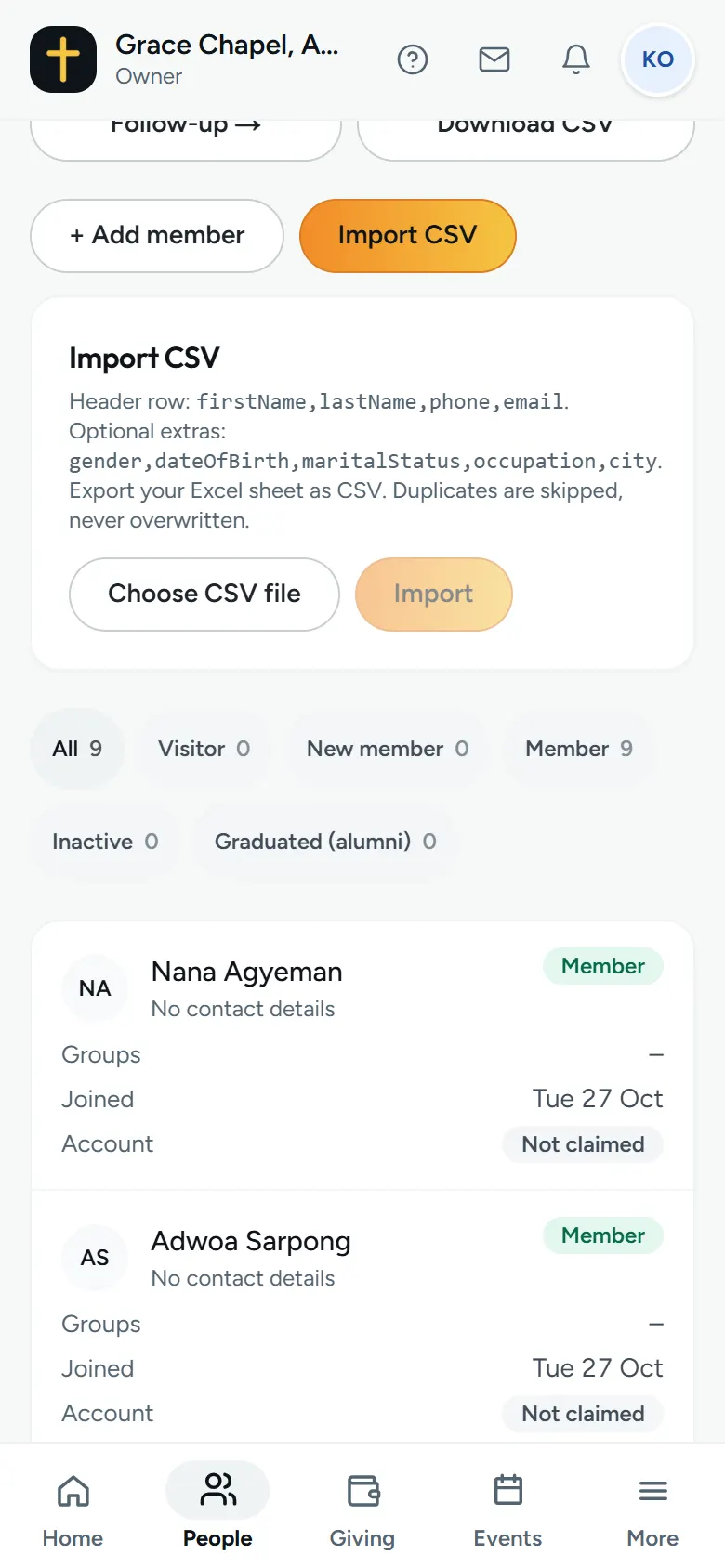
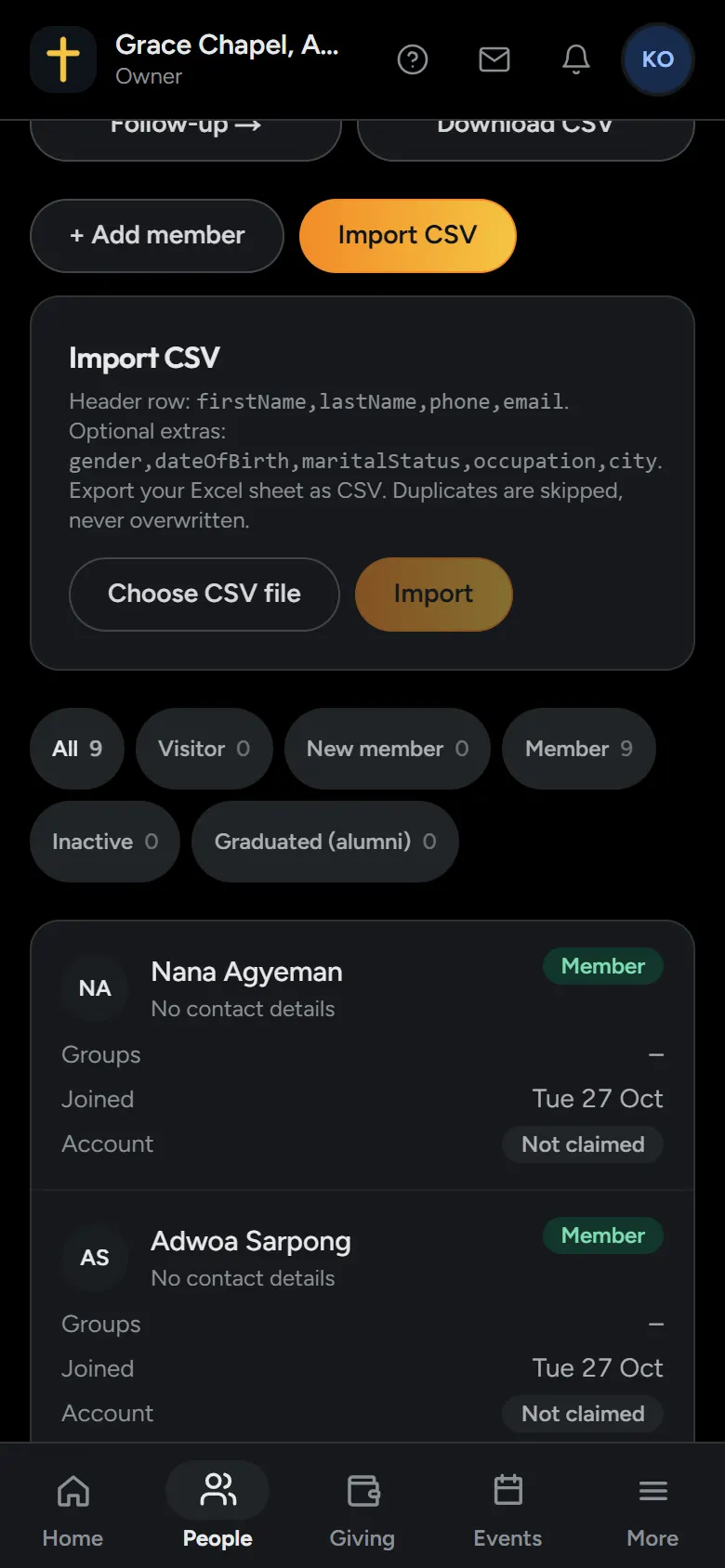
- In Excel or Google Sheets, put these names in the first row: firstName, lastName, phone, email.
- You can add gender, dateOfBirth, maritalStatus, occupation and city too.
- Save it as a CSV file.
- Open People, choose Import CSV, pick the file and choose Import.
Anyone already on your list is skipped, never overwritten. You see which rows were skipped and why.
Download your list
The owner and admins can download the list as a CSV file from People, and all your church’s records from Settings, under Export our data.