Record giving
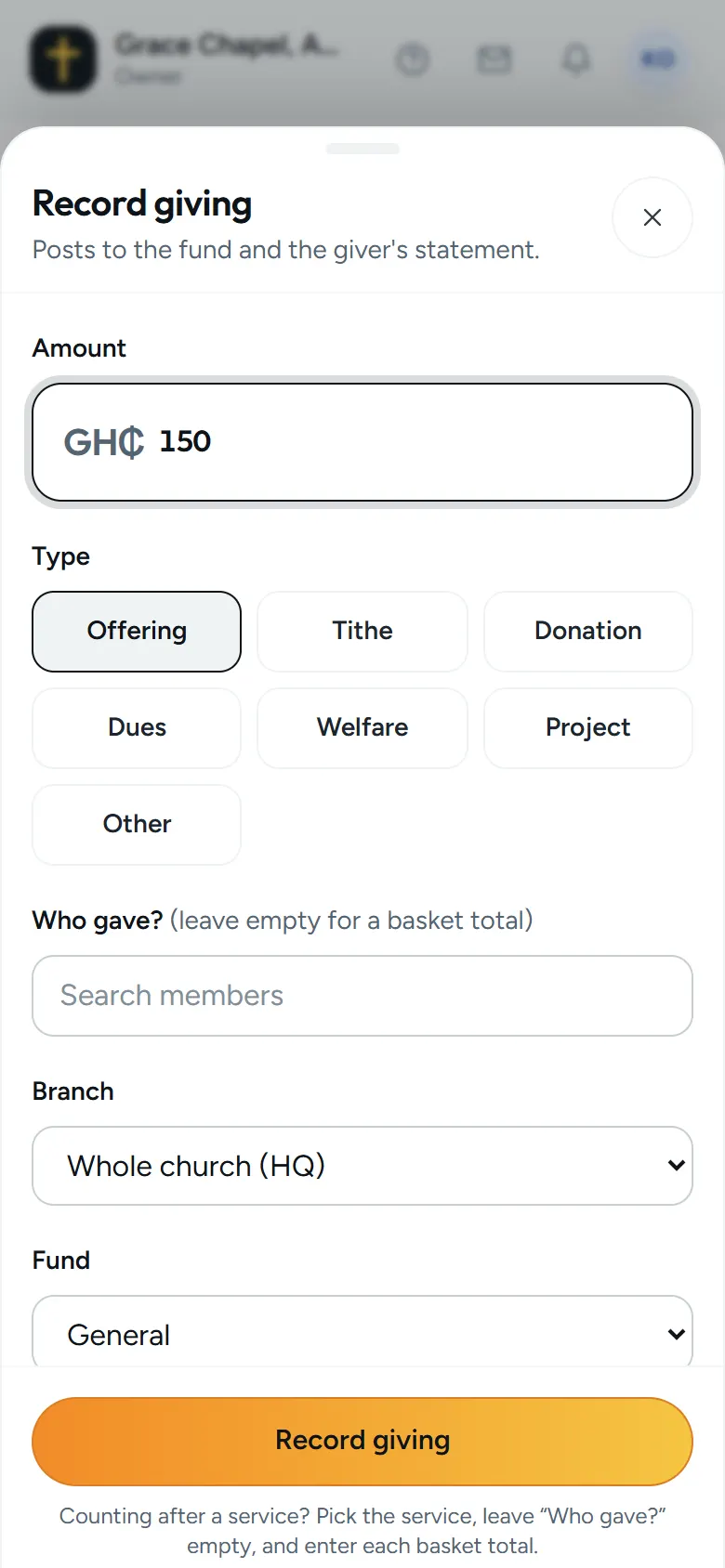
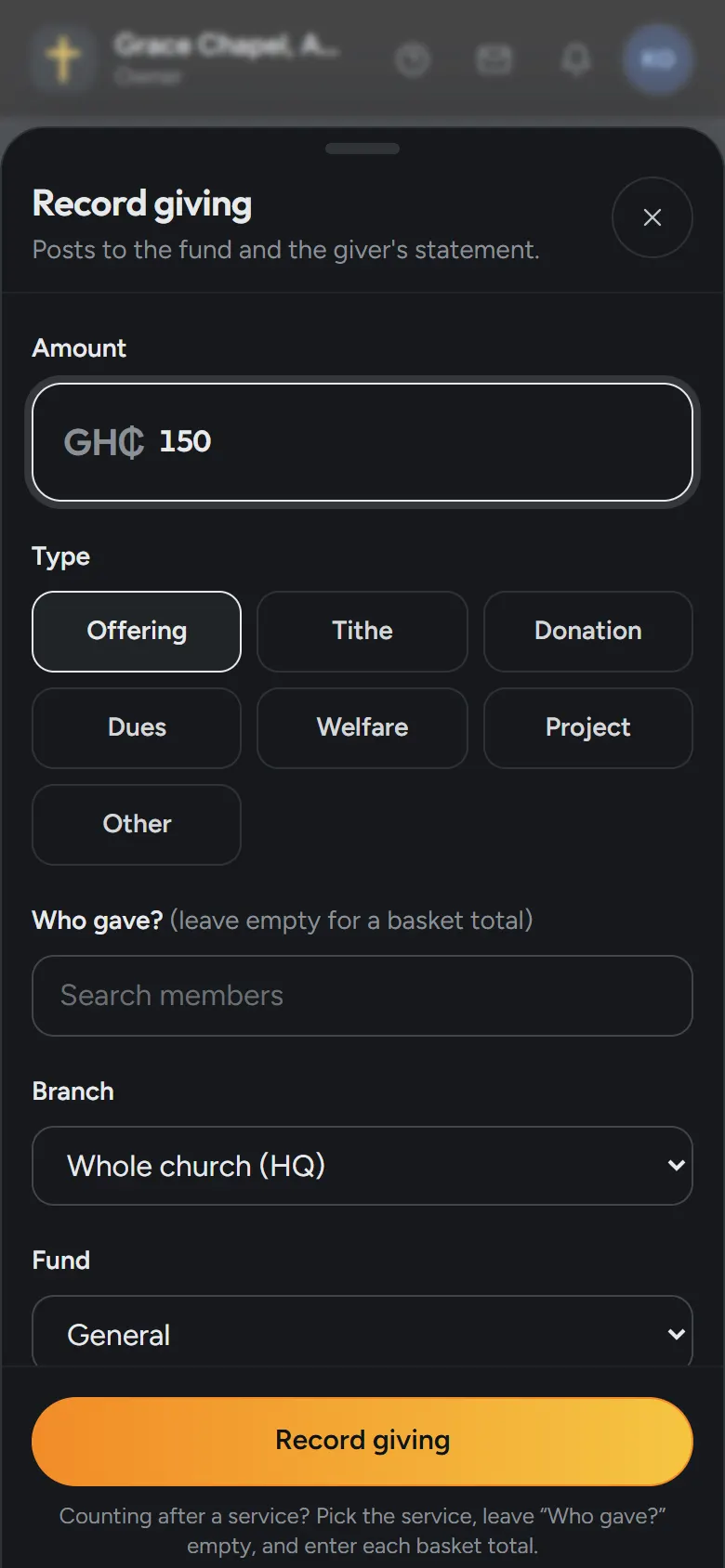
- Open Giving and choose Record giving.
- Type the amount and choose the type, like Tithe or Offering.
- Choose who gave, or leave it empty for a basket total.
- Pick the fund and how it was paid, then save. It’s in the month’s figures at once.
Set up your funds
Every church starts with General, Tithe, Welfare and Building. Open Giving, then Funds, to add your own, like a harvest or a building project, set a goal, or pause one when it’s done.
Who sees what
Who gave what is seen only by your finance team (the owner, admins and finance) and by the giver, in their own app. Other staff see totals only.
Where the money goes
Zera keeps the record. It never takes or holds the money: people give to the church as they do today.
With Plus
Plus adds finance controls: approvals by amount, a two-person offering count, alerts, a monthly board report and month-end close.