Your church’s own TV channel. With tools YouTube doesn’t have.
Your service plays in your own player, in your church’s colour, on your church’s own channel. Members abroad, the sick at home and first-timers not ready to walk in yet all get a real place in it.
Made for pastors and their congregation
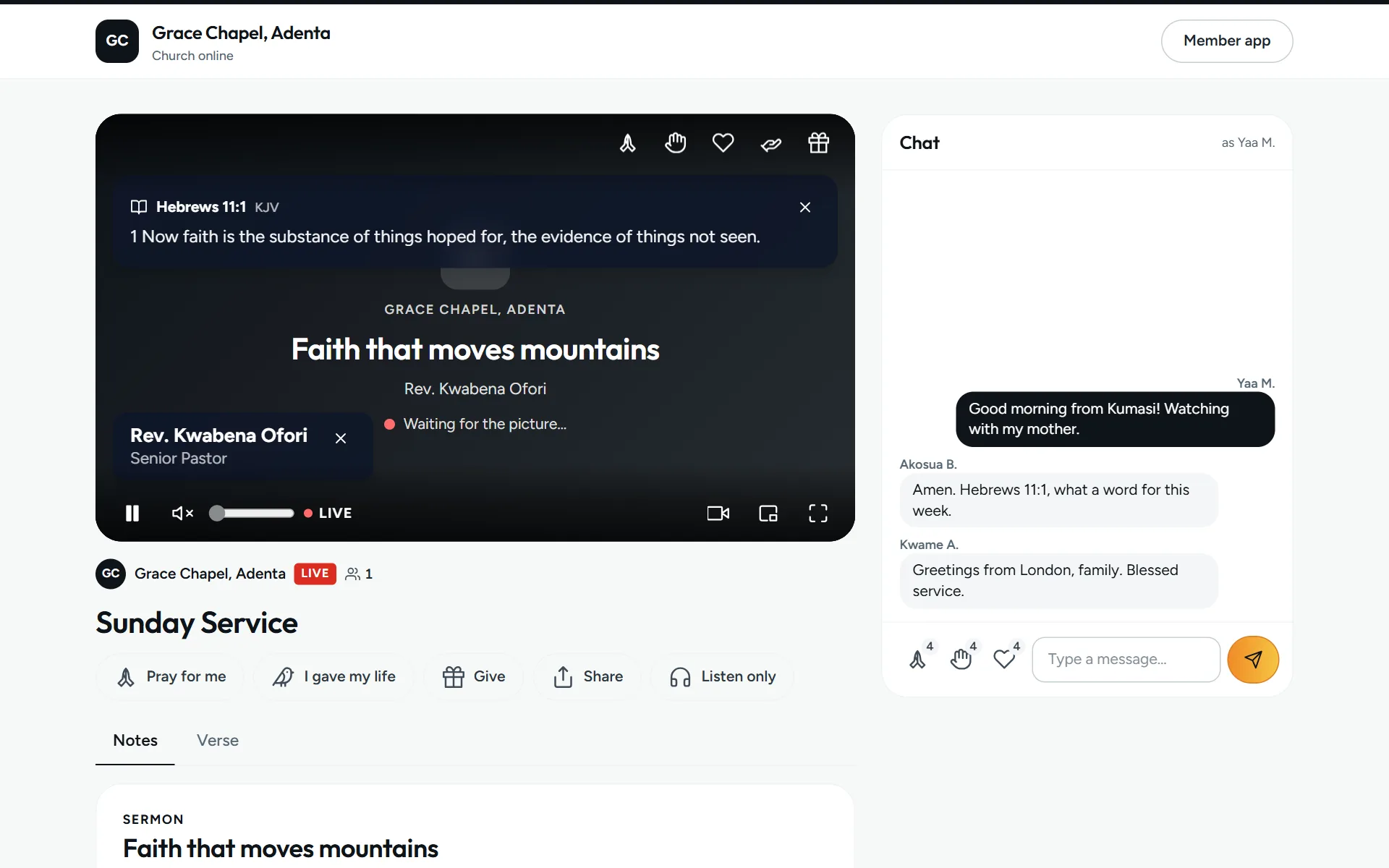
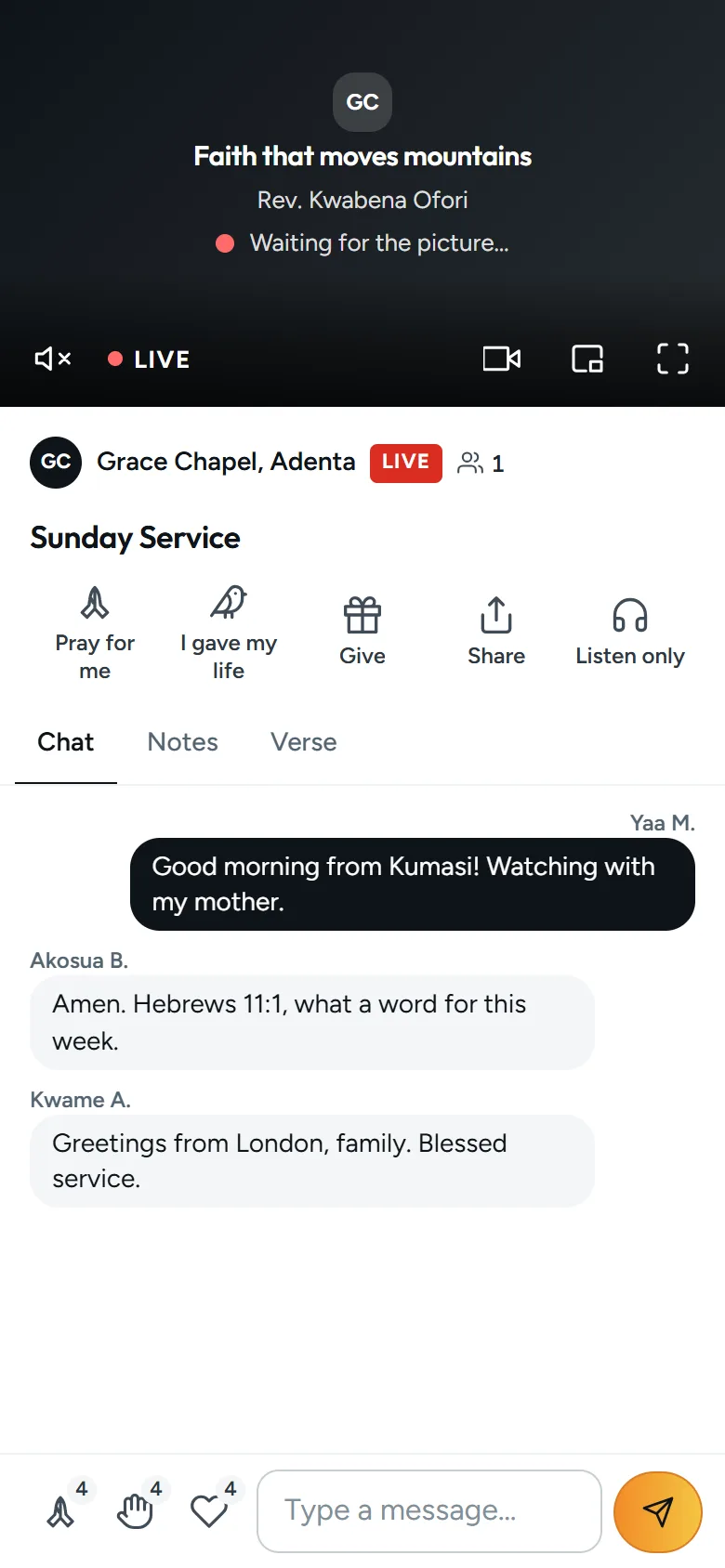
Live and every replay play in your own player, not someone else’s. No adverts, no other channels’ videos after yours, and your church’s colour and logo on it.
- Kind to data bundlesData saver plays the lightest picture. Listen only plays just the sound, and carries on with the screen off.
- Easy for eldersLarger text for the verse, big buttons, and a tap to skip ten seconds back.
- Says what it usesThe picture menu shows roughly how much data this viewing has used. If the picture keeps stopping, it offers Listen only.
- Full screen keeps the churchThe verse, the pastor’s name, Pray for me and Give stay on the picture in full screen too.
Chapters, like YouTube’s. And Sermon only.
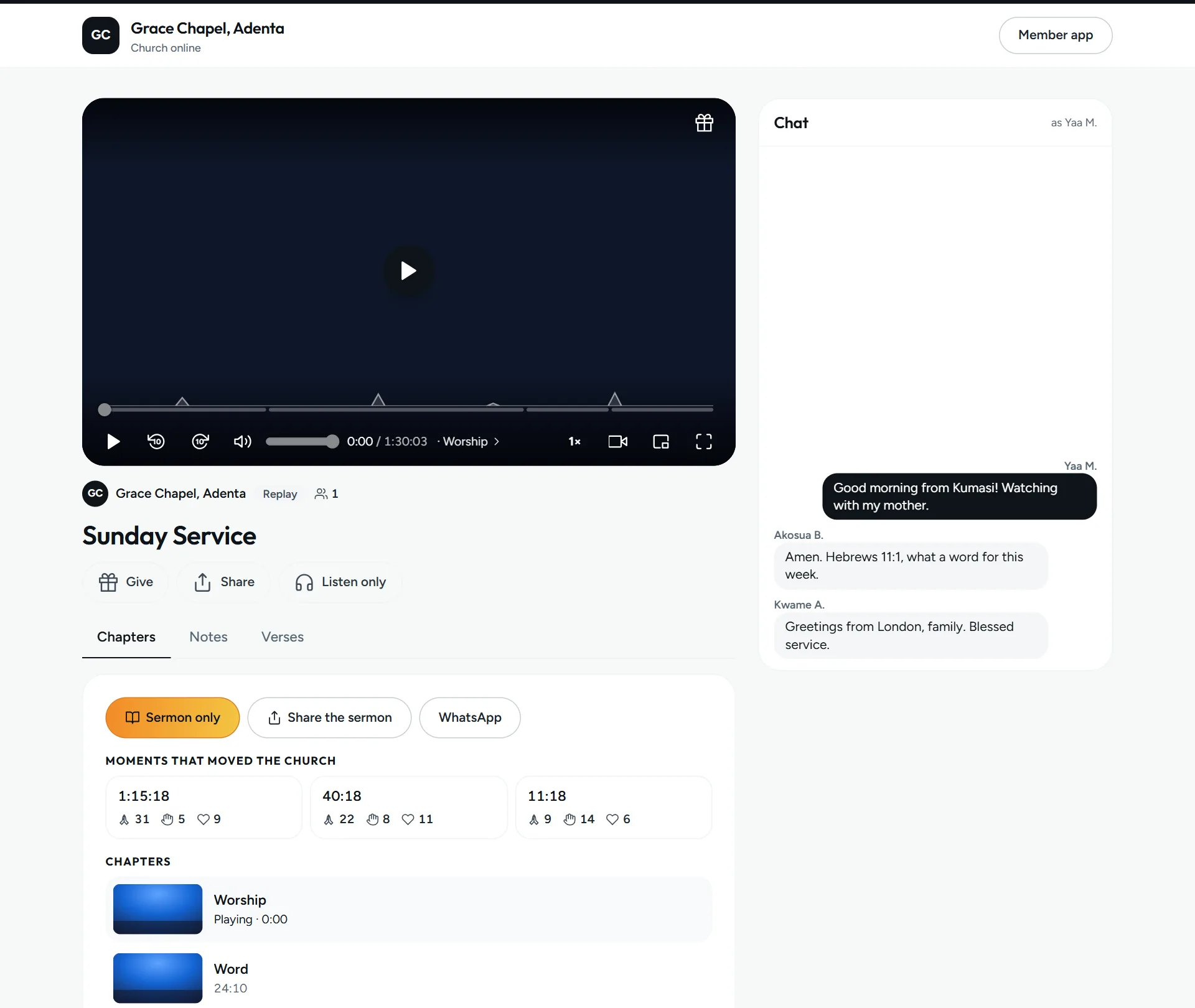
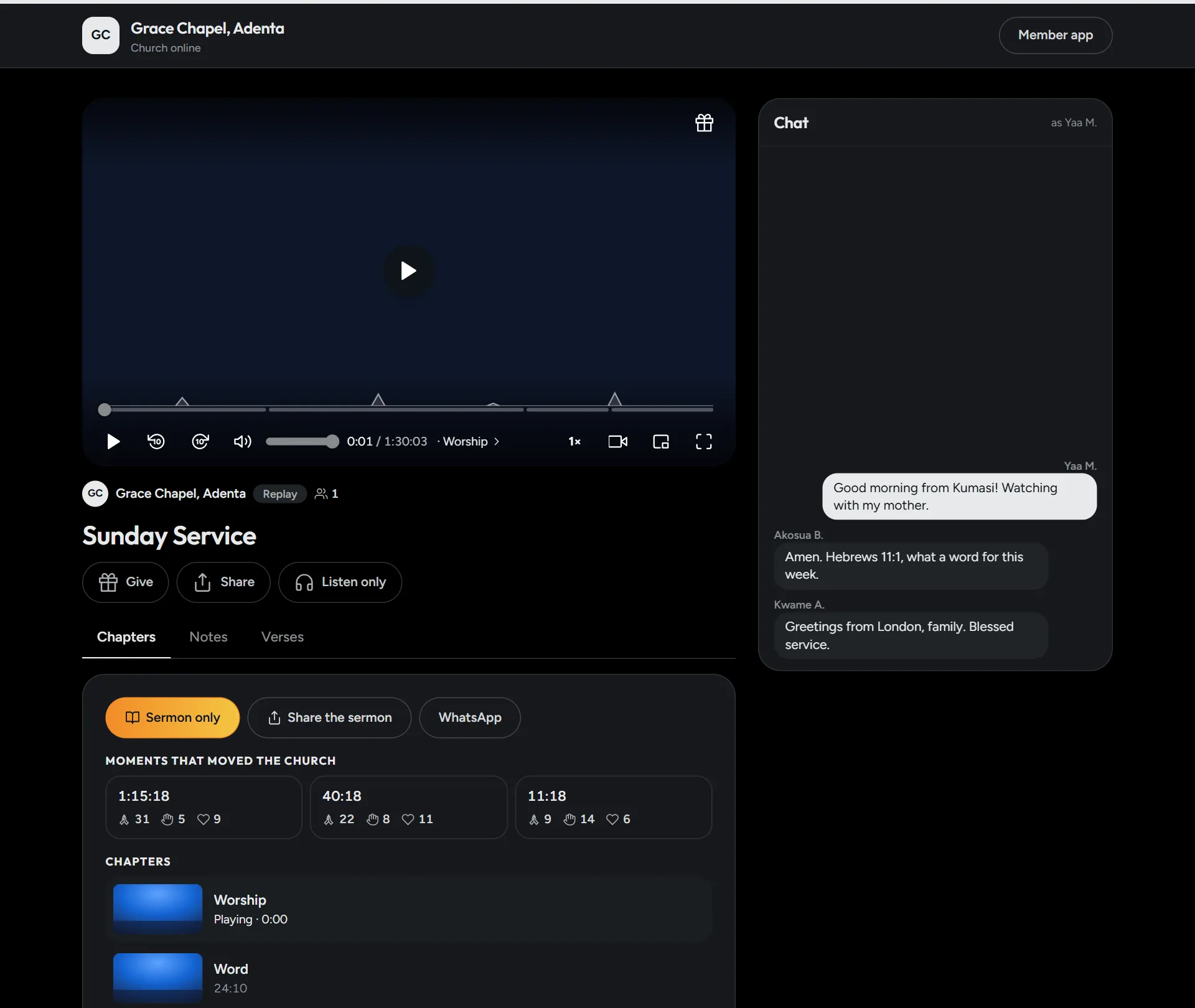
Mark Worship, Word, Offering and the Altar call during the service with one tap, or paste the times afterwards the way YouTube takes them. Every replay is split into its parts.
- Sermon onlyOne tap plays just the sermon, from the Word to the next part, then stops. Share a link that opens right at the sermon.
- Moments that moved the churchThe minutes with the most Pray, Praise and Love from people watching live, each a tap away on the replay.
- Every service a replayRecorded as you go live and kept for 90 days. The verses and the pastor’s name show at the right moment, as they did live.
Everything that makes it church
In every live room, over your own player or over YouTube and Facebook.
The verse on screen
Type a reference in the control room and the verse shows on every screen. A long one scrolls by itself, at reading pace.
Your look
Choose the size, the font, where the verse sits and its background, in your church’s colour if you like.
Lower thirds
The preacher’s name and title across the bottom. Save the ones you use every week and show them in one tap.
Pray for me
A private request that goes to your care team only. Never the chat, never the feed.
I gave my life to Christ
The altar call, online. Your care team gets it to follow up, with a warm welcome on the screen.
Give
Your church’s own Mobile Money number and bank details, a tap away. Zera never takes or holds the money.
A channel page, with Remind me
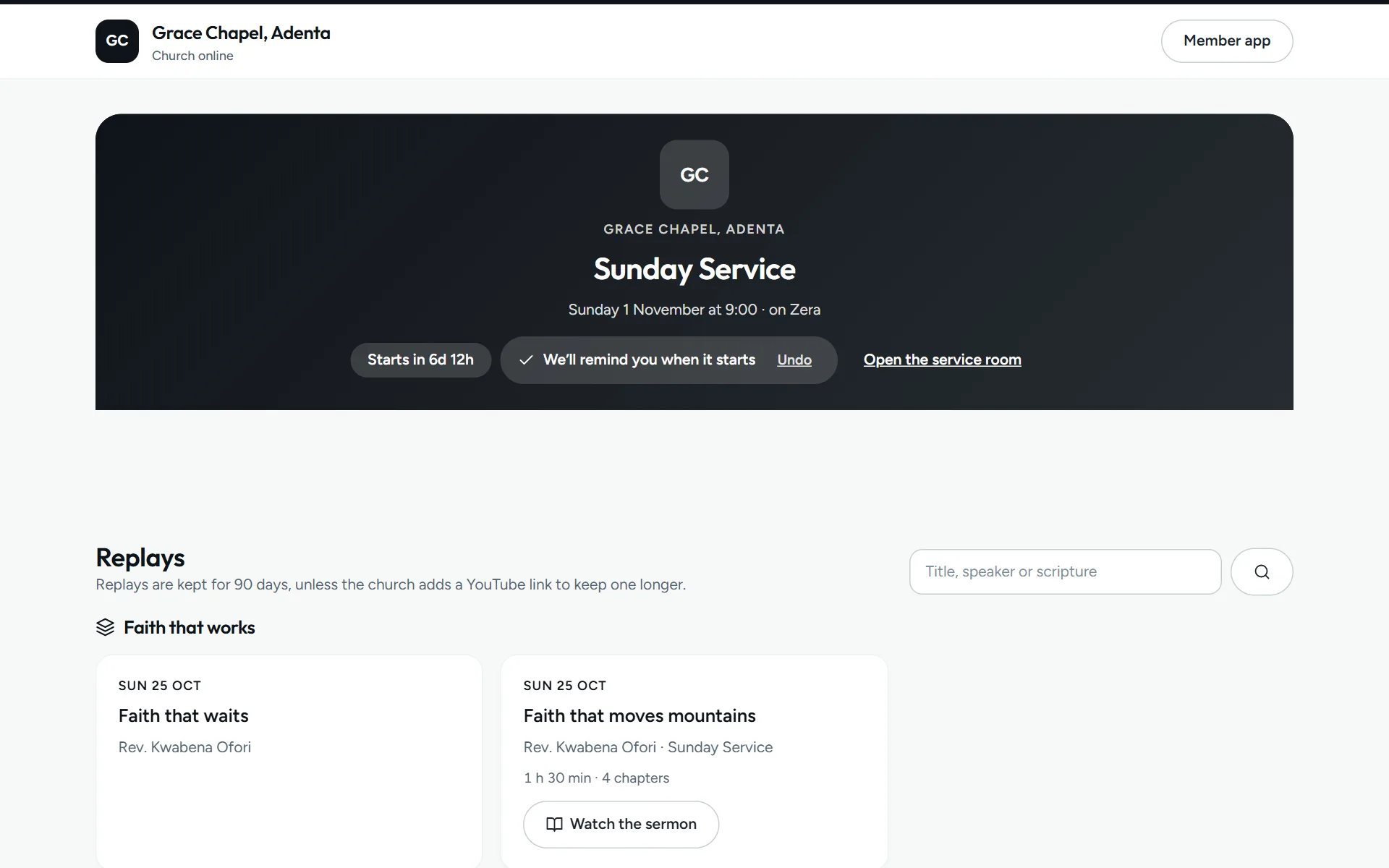
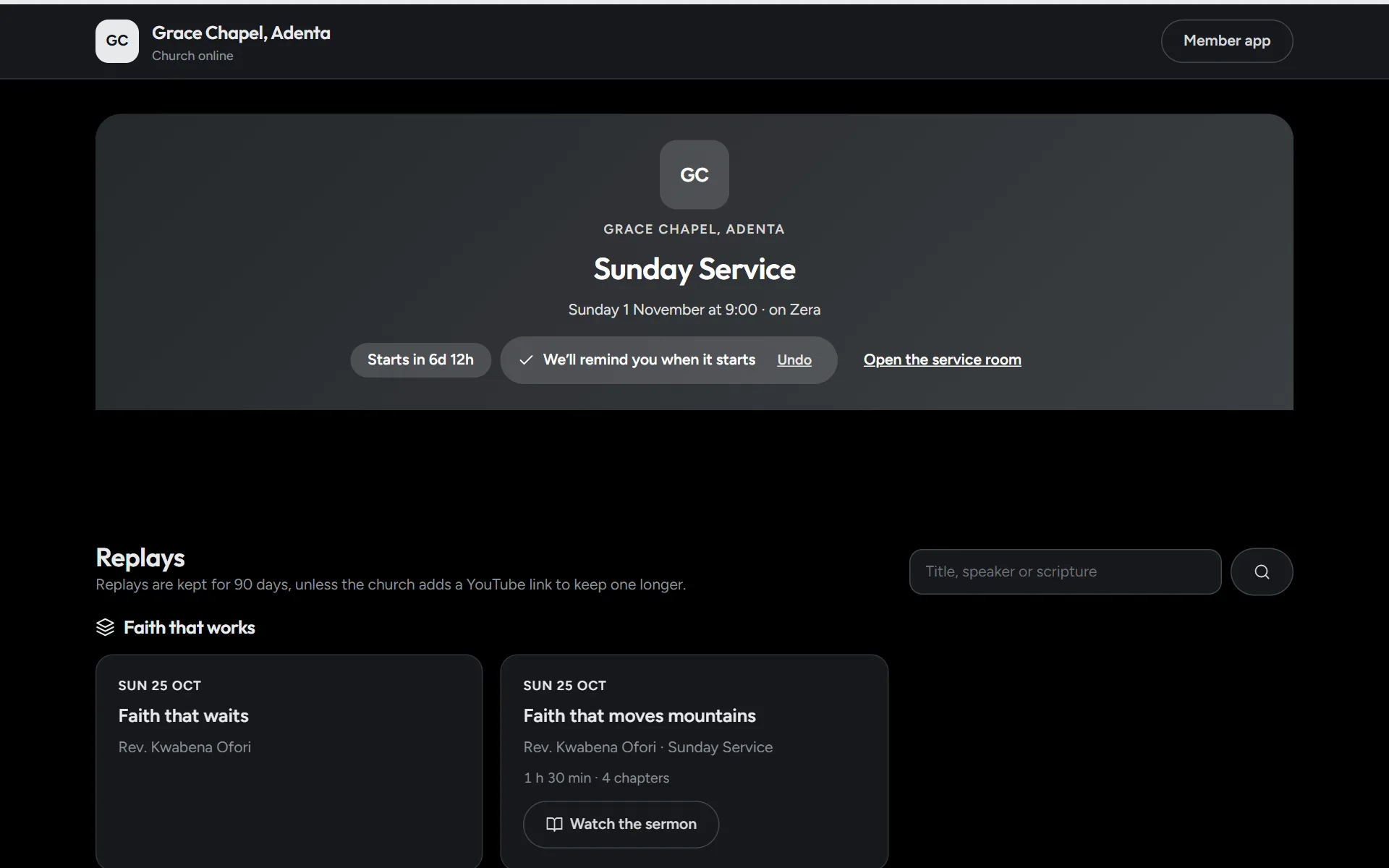
Your church’s channel shows the next service with a countdown, then your replays, grouped by series. Share one link for all of it.
- Remind meMembers tap it and get a bell and an alert on their phone when you go live.
- Add to calendarVisitors who aren’t on Zera add the service to their own calendar.
- Find a sermonSearch replays by title, speaker or scripture.
From a phone, a laptop or OBS
Open the control room and tap Go live. Use a phone or a laptop, or OBS and an encoder when you have cameras and a sound desk. No YouTube channel needed.
- Included200 viewer-minutes every month
- Pay as you go, from your church walletGH₵ 4 per 100 minutes after that
A service is never cut off mid-stream, and the control room shows the minutes left before and while you’re live.
- On YouTube and Facebook at the same timeStream from OBS and Zera sends it to your YouTube and Facebook too.
- “We’re live”, everywhereA banner across the member app and an alert on members’ phones the moment you start.
- It knows when you’ve stoppedIf the picture stops, the service pauses for viewers, then ends by itself after the time you choose.
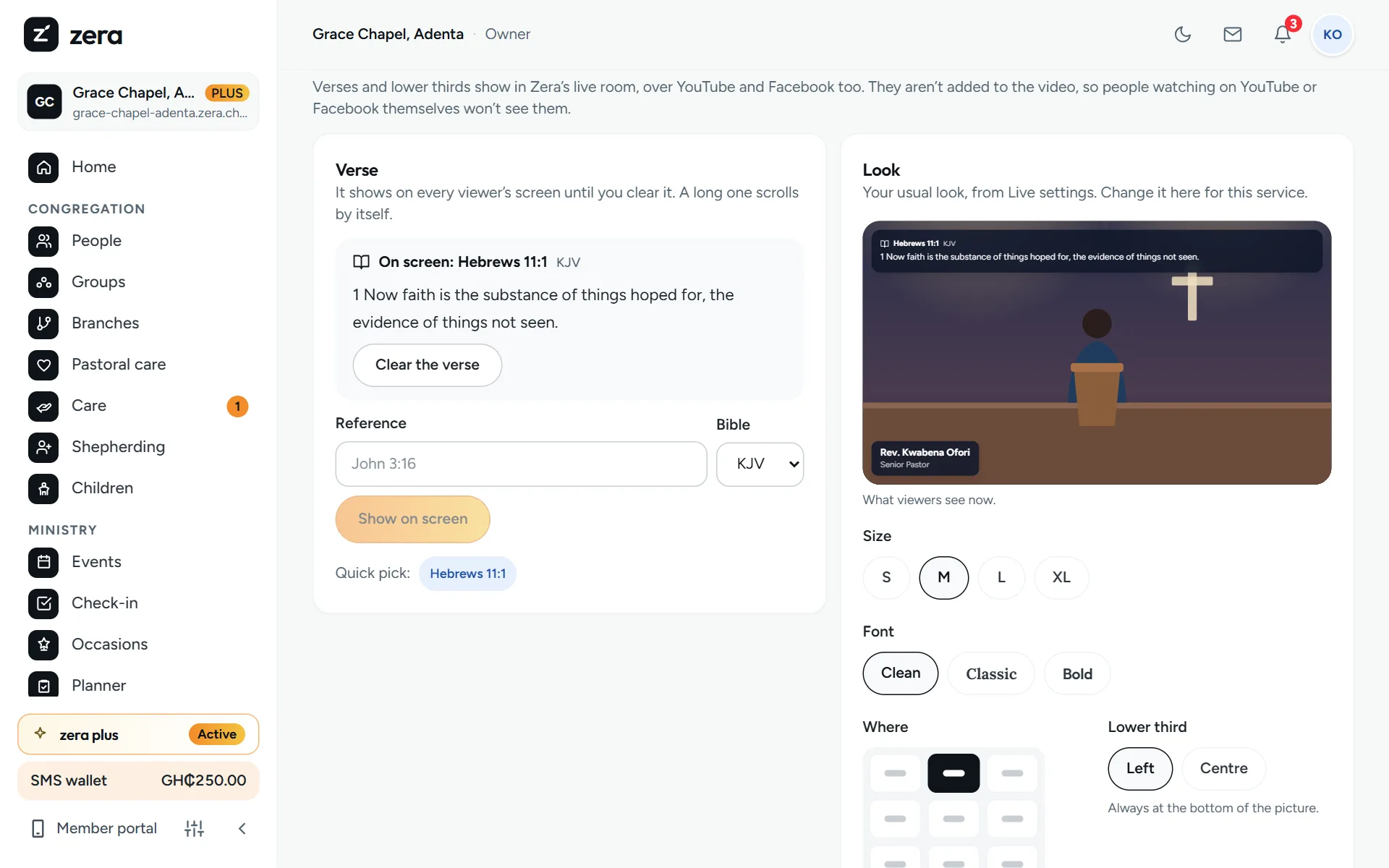
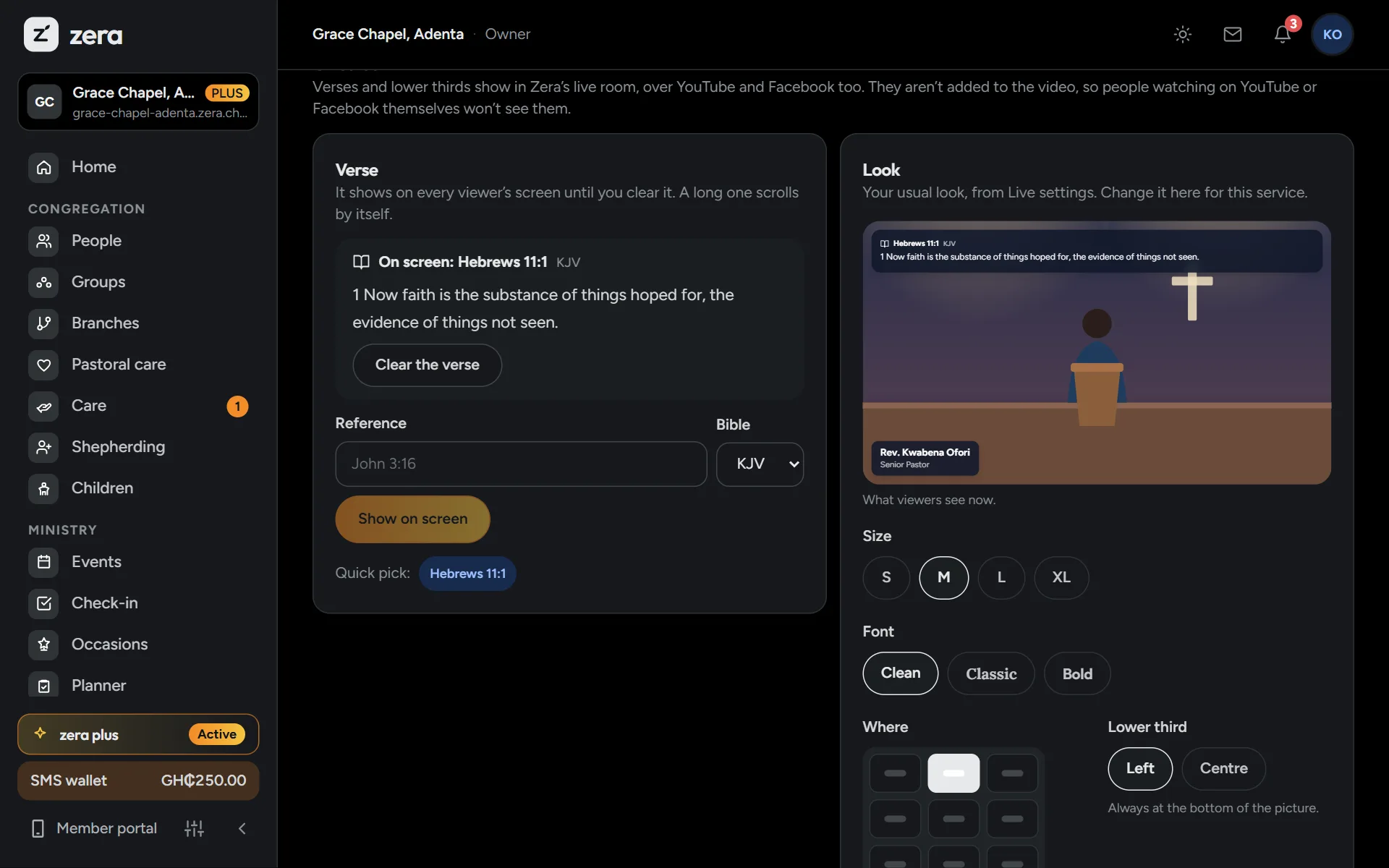
The control room while you’re live: the verse, the pastor’s name and the chapters.
Or keep your camera and your channel
Paste your YouTube, Facebook, Zoom or Google Meet link into Zera. YouTube and Facebook play right inside your service room. Zoom and Meet open in one tap. Around the stream, Zera adds everything that makes it church.
- Chat and reactionsPray, Praise and Love from everyone watching, and a chat for greetings from Kumasi to London.
- Online attendanceMembers who watch long enough are counted as there, online. Guests give their name and phone number, and land on your visitor list so someone can call them.
- Ask me liveMembers ask questions, everyone upvotes, and the pastor answers the ones that matter most.
Churches that meet only online
Some churches and fellowships have no building. They meet on Zoom, YouTube or a phone screen. Tell Zera when you set up by answering “Online only” to “Where do you meet?”, or change it later in Settings. Then Zera stops asking where you are.
- “Online church”, not an addressYour page, your invitations, your join link and Discover say “Online church” (or “Online fellowship”). No address, no map, no directions.
- The first button joins you onlineWhere a building’s page says “Plan a visit”, yours leads to your service when you’re live, or to the next one.
- Events start onlineNew events and plans start with “Online” as the venue. Change it when you do meet somewhere.
There’s more where that came from
Give the ones who can’t come a place in your service.
Your church’s TV channel is part of Zera Plus. Try it free for 60 days.